One photo.
Any scene.
Your film.
Add a photo of a face, pick a scene or write your own, and vidmi makes a short cinematic film starring you, or someone you love.
Coming soon to iPhone. Get one email when it is out.
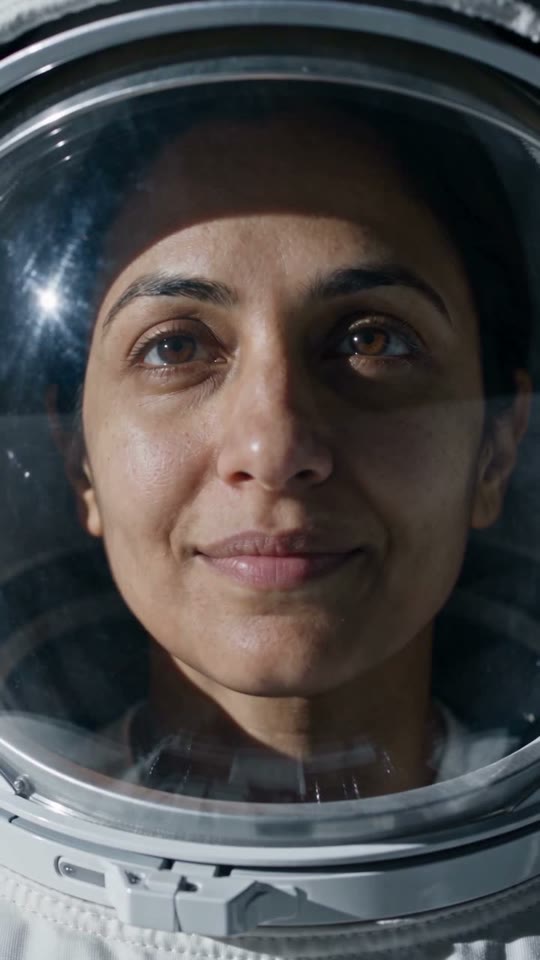
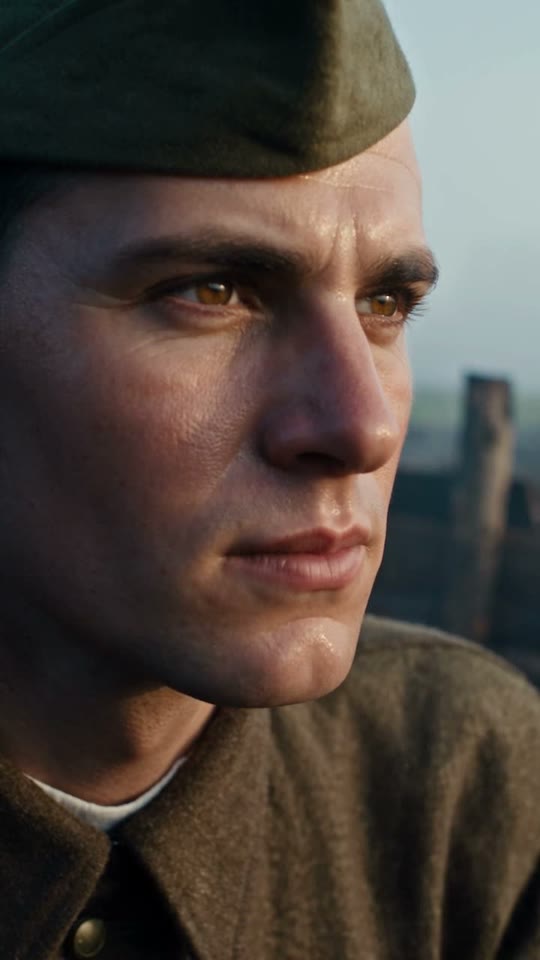
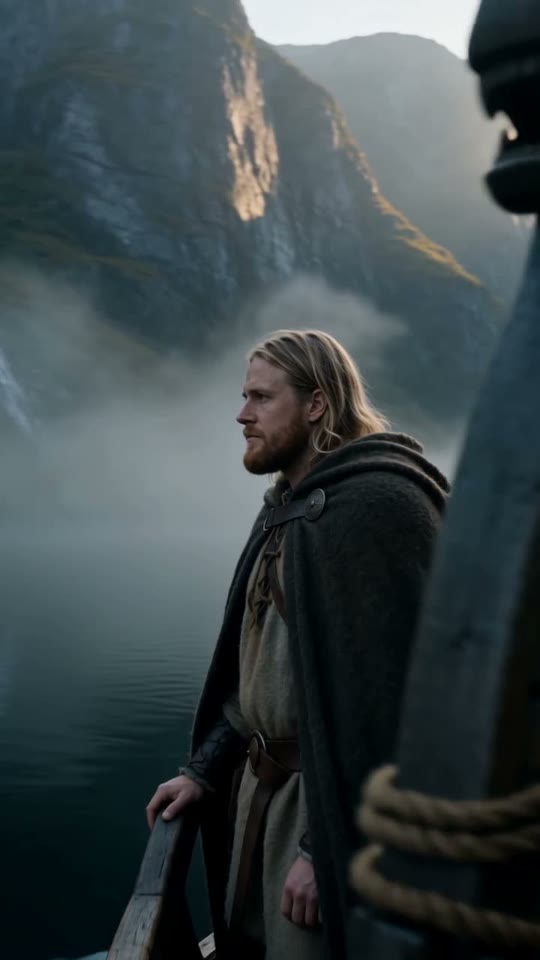


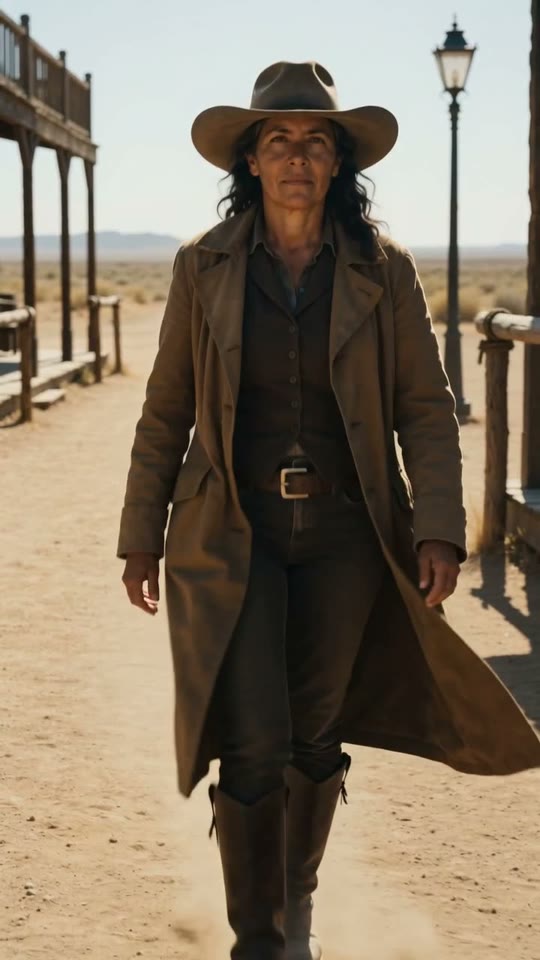
Upload your grandpa, see him at the front.
Upload yourself, see yourself in space.
Turn a photo into a short film. Be your own director.
How it works
Three taps.
Then the lights go down.


- 01
One photo
Start with a face.
One clear photo from your gallery or camera. Looking at the camera, good light. That is all vidmi needs.
- 02
Any scene
Pick a scene.
A First World War trench at dawn, a smoky jazz bar, the Moon. Each scene plays its sample film as you scroll.
- 03
Make it yours
Add your own touches.
A red scarf, falling snow. Or turn on “Use this video as reference” and follow the sample’s camera moves closely.
- 04
Your film
Watch it. Share it.
We let you know when it is ready. Share it in one tap, or save it to Photos.
Everything you need.
Nothing you don’t.
Write my own
Any scene you can say in a sentence.
Type it in your own words. vidmi directs the rest.
Reference
Borrow the camera moves.
Follows the sample’s camera moves and timing closely.
Three models
- FastReady in about a minute and a half.
- QualityRicher detail, true 1080p.
- MaxOur most cinematic.
Sound
It sounds like a movie, too.
Voices + sounds, Sounds only or Silent.
Length
3·5·7·10s
Short enough to share, long enough to land.
Shape
Stories, Reels and TikTok by default. Feed and TV when you need them.
Leave the app. We’ll tap you when it’s done.
Free
Try it free.
No account. No sign-up. Just a photo.
Now showing.
Every scene starts from a single photo of a face. Hover to watch the sample.
-
Grandpa at the Front
A First World War trench at dawn, and he is standing watch.
-
Smoky Jazz Bar
Late night, a small stage, a saxophone in your hands.
-
Walking on the Moon
Grey dust under your boots, the Earth above the horizon.
-
Paris Café, 1920s
A terrace table, a cup of coffee, the street going by.
-
Samurai Street at Dusk
Lanterns come on along an old wooden street.
-
Viking Longship
At the prow of a longship, deep in a misty fjord.
-
Wild West Main Street
Dust, wooden storefronts and the midday sun.
-
Deep-Sea Explorer
A small submersible, dark water, something glowing outside.
-
Rooftop Hero
The city at night below, and you watching over it.
-
Field at Dusk
A nineteenth-century farmer, standing tall at day's end.
Good to know.
What do I need?
An iPhone, an internet connection and one clear photo of a face. There is no account to create.
Is it free?
Yes, it is free to try. After that you buy credits in the app through Apple, and every film shows its cost before you tap.
How long are the films?
3, 5, 7 or 10 seconds, in 9:16, 16:9 or 1:1, up to 1080p.
Can I use a photo of someone else?
Use photos you have the right to use, like your own or a family photo you are sharing with the family.
Is there an Android app?
Not yet. Android is coming soon.
One photo away from your film.
Coming soon to iPhone: add one photo and pick a scene. No account needed.
For iPhone.